Create a Sweep Order

Last Article Update 16.04.2026

Sweep orders are a bit different from standing orders. With standing orders, you define how much George transfers to another account. With sweep orders,  you set an amount - a threshold - that George will keep on your account when he executes the order. 

 

Sweep order Sweep order

In other words: George will transfer any amount that's above your defined threshold. Please read further to see how you can set up and edit your sweep orders with George Business.

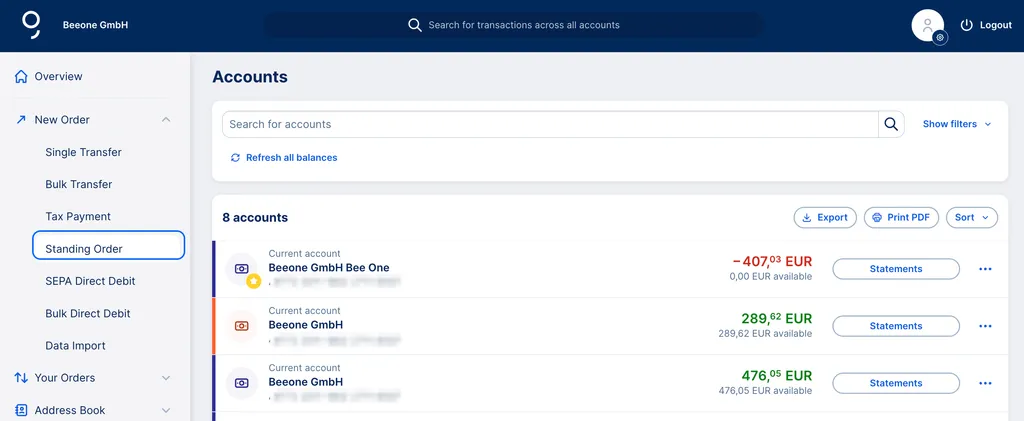
How to Create a Sweep Order

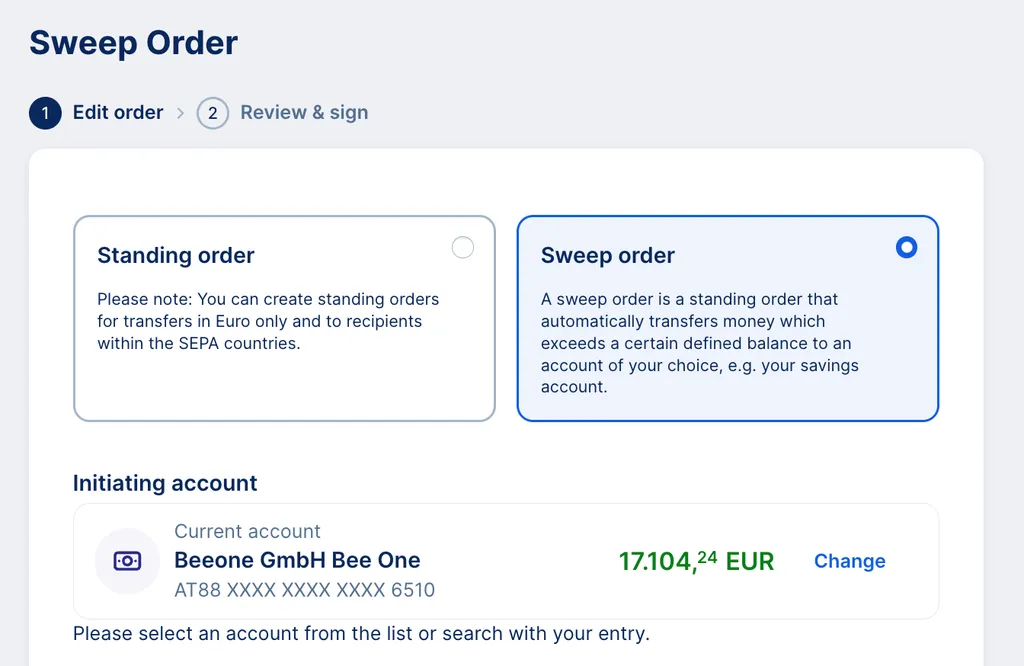
2. You can now choose to create a sweep order or a standing order. Pick "Sweep order". 


Sweep or standing order Sweep or standing order

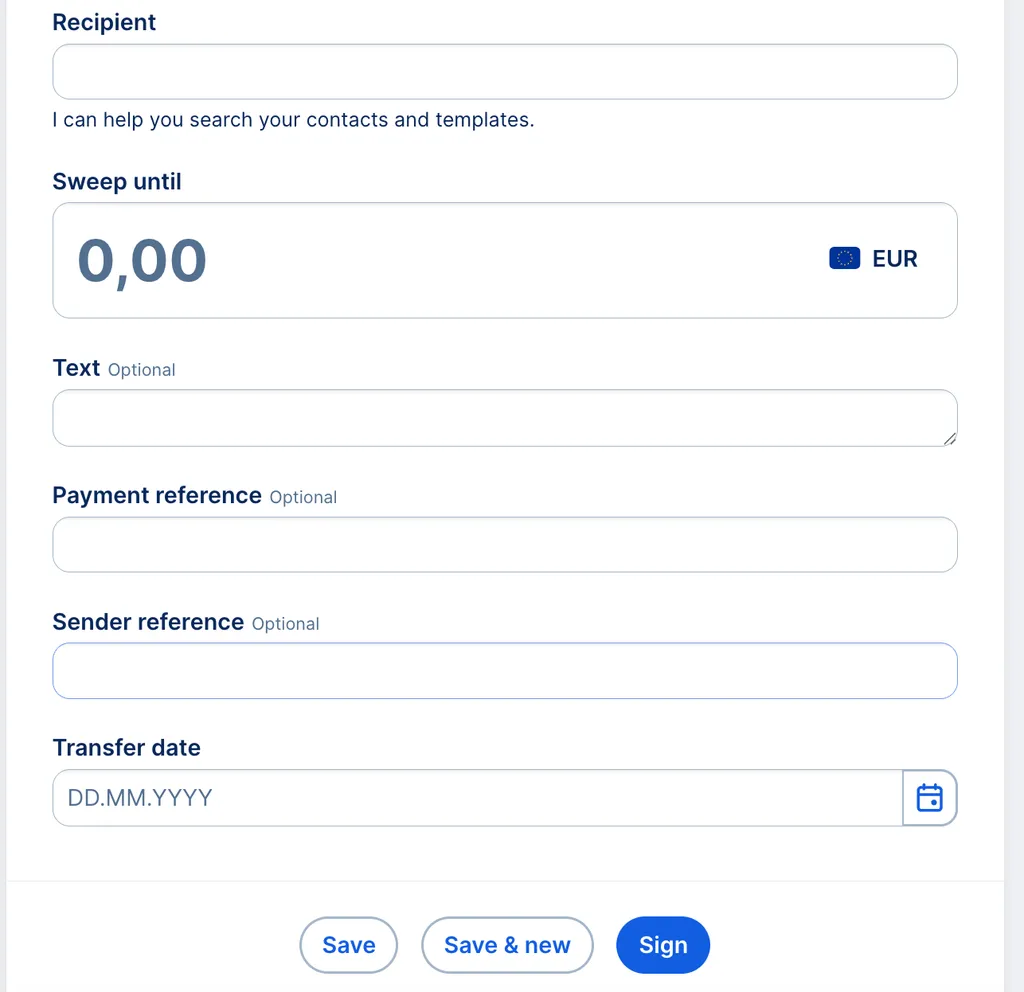
3. Click on the recipient name field and choose one from the dropdown list. If the recipient is not in your address book yet, create a new business contact.


4. Enter an amount. George transfers anything above this threshold value (e.g. with a threshold of € 1000 and an account balance of € 1300, the transfer amount would be € 300).

Sweep order form Sweep order form

5. You can enter a text (or payment reference), as well as a sender reference. This is not mandatory, but can help correctly assign standing orders.

6. Select an execution date and an interval. Though George pre-selects "monthly", you can change it to weekly, quarterly, half-yearly, yearly, or you select "irregular". You can also set a last execution day to limit the standing order to a certain period of time.

7. You can now save your order, save it and create a new one, or sign it right away.

How to Edit a Sweep Order

1. From your overview, click "Your Orders".


2. Select Standing Orders

3. You will now see all your standing orders, including your sweep orders.

4. You can click the order you want to either edit or delete it.

5. After editing the necessary details, save your sweep order or sign it.  

Author: Samira El-Shamy