Invoices. Ageements. Updates. And more. Dealing with a bunch of documents is part of business banking. With George Business, you'll find them all in one place, where you can also (digitally) sign documents if needed.

Last Article Update 04.11.2026
Invoices. Ageements. Updates. And more. Dealing with a bunch of documents is part of business banking. With George Business, you'll find them all in one place, where you can also (digitally) sign documents if needed.
Before we continue: It's good to know that what you can see depends on:
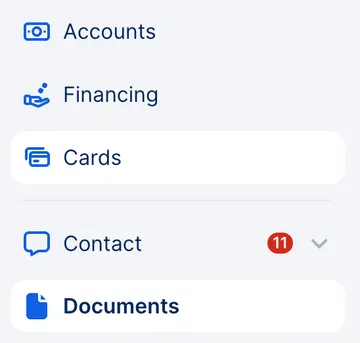
Go to the left-side menu and click "Documents".
George will also inform you about must-read documents and documents for you to sign in the "For Your Attention" section.
There is a wide variety of documents you might see here. The following is just a list of some examples:
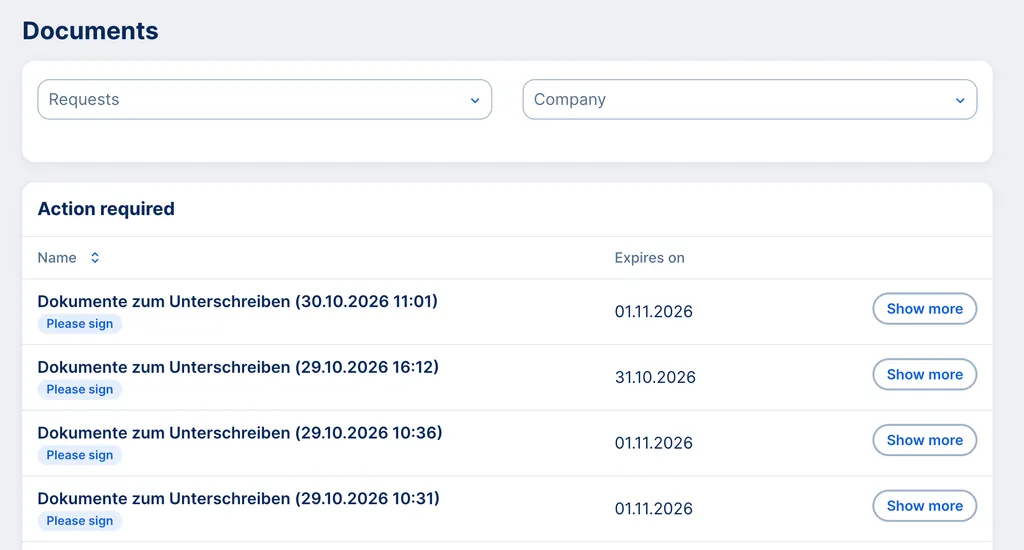
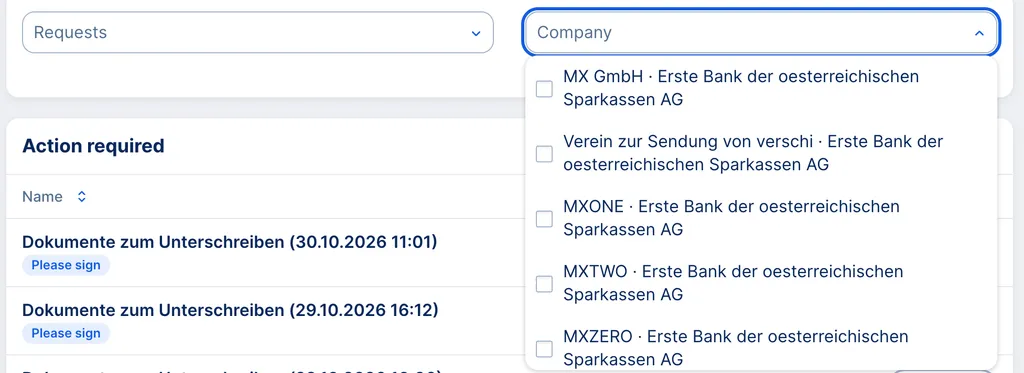
You can filter by topic and by company (for example, if your business has sub-companies) to find documents faster.
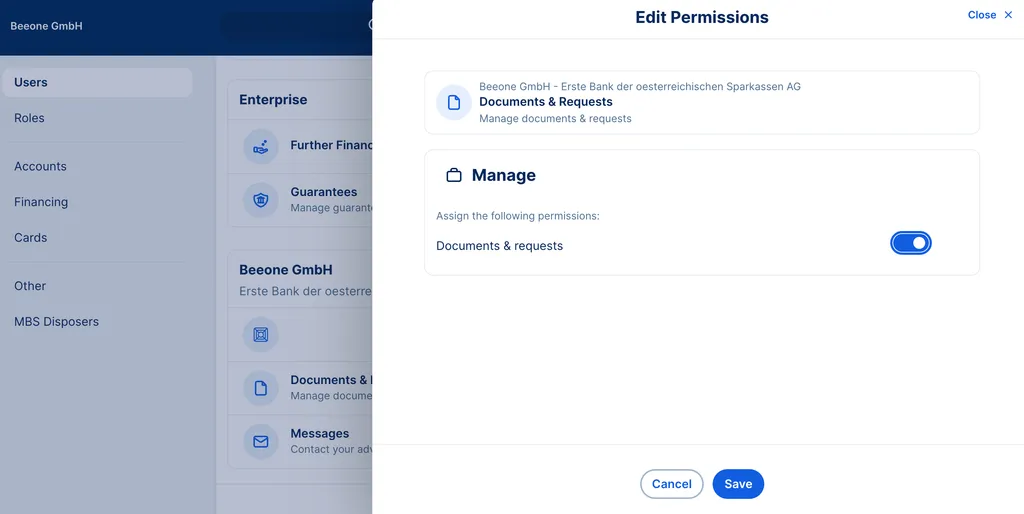
Remember that you can only sign documents if you have the neccessary permissions.
Yes, if you have notifications for Messages turned on.
When you get a message about a new document, you will get a notification via the George Business app on your mobile device.
Your company's George Business admin can give you access by doing the following:
A refresher for admins: An overview of your admin tools