Have several accounts and cards? It can be practical to put them into categories. For example, one for savings accounts and one for portfolios. Or whatever makes sense for you. That's all possible in your George Web overview.

Last Article Update 21.01.2026
Have several accounts and cards? It can be practical to put them into categories. For example, one for savings accounts and one for portfolios. Or whatever makes sense for you. That's all possible in your George Web overview.
Sections let you create your own product combinations. That way, you can customize your overview - and make it easier to keep track of your finances.
You should see the new section at the bottom of your overview. To move accounts and cards into it, simply drag and drop.
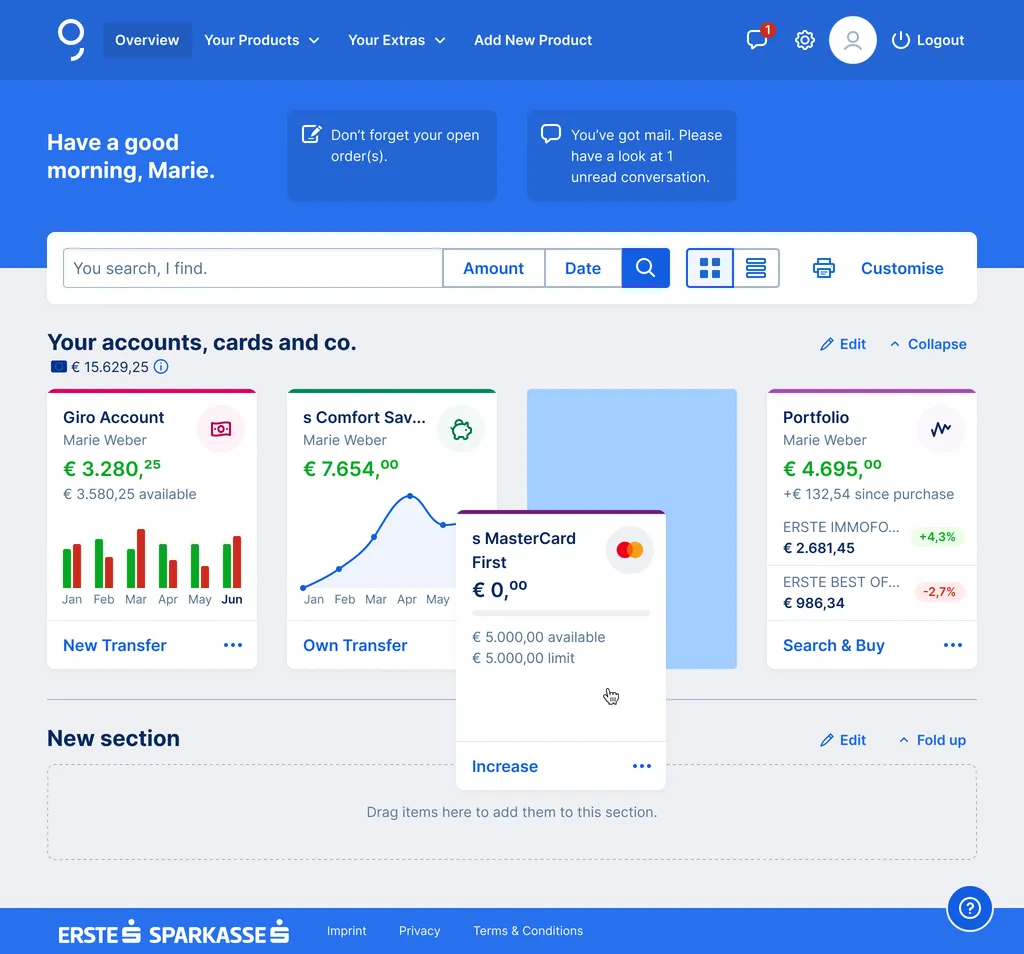
You can make changes any time you want. For example, moving products into another section.
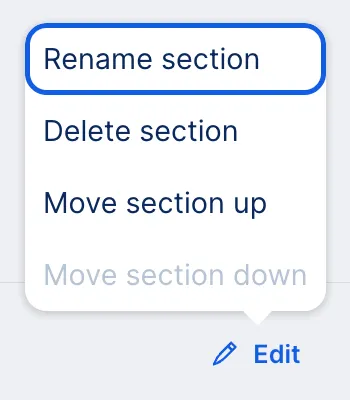
You can also click "Edit" next to each section to make the following changes:
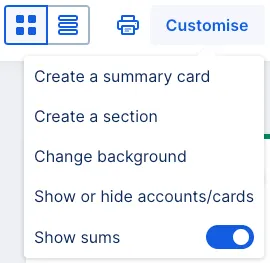
There are also many other ways to personalise your George overview. You can change the background, create summary cards or even hide certain accounts or cards from it – just as you want and need.
Author: Stephanie Schüller