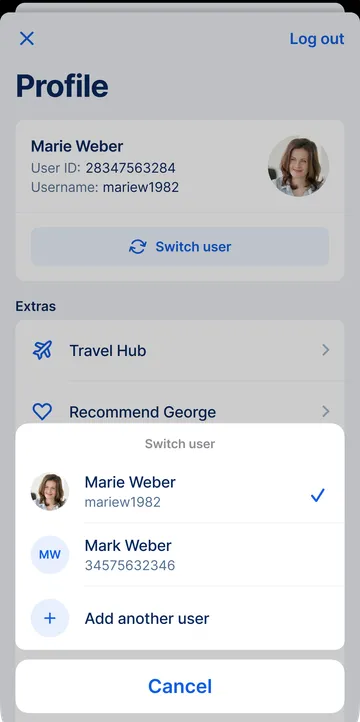
Maybe you're sharing a device with someone else. Or you're adding another user number for your personal business. Whatever the case, George allows multiple users on one device. In this article, we'll show you how to add and switch users.

Last Article Update 15.12.2025
Maybe you're sharing a device with someone else. Or you're adding another user number for your personal business. Whatever the case, George allows multiple users on one device. In this article, we'll show you how to add and switch users.
This article is for you if you want to add another user number to the same device. All clear? Great. Let's begin!
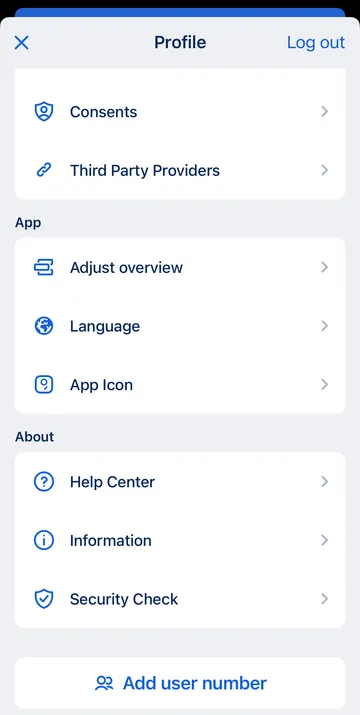
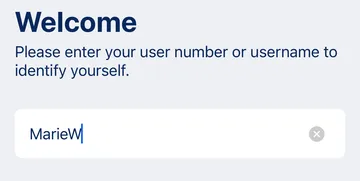
This looks a bit different depending on what you want to do. In any case, you will need an activation code to continue.
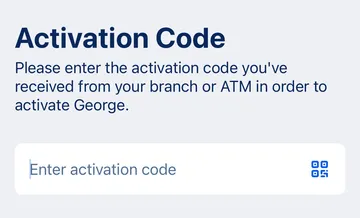
You can now log in as this new user with your George ID PIN.
You can choose a user during login, or switch users if you're already logged in. Each user sees only their own accounts and data.
Your George ID PIN is a 4-6 digit number that lets you log in to the George app, sign transfers and confirm many other actions. It isn't tied to one product.
Your card PIN is tied to a single product, like your debit card or credit card. It's what you use when you make payments in store, or withdraw cash at an ATM.
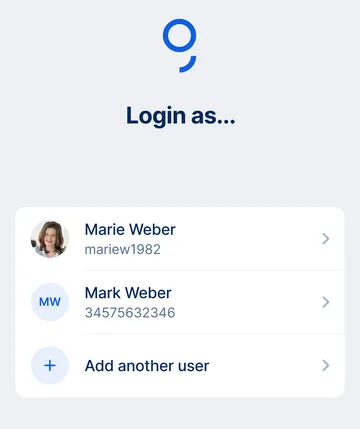
George shows you a list of available users for this device. Pick the one you want and log in using your PIN for George ID.