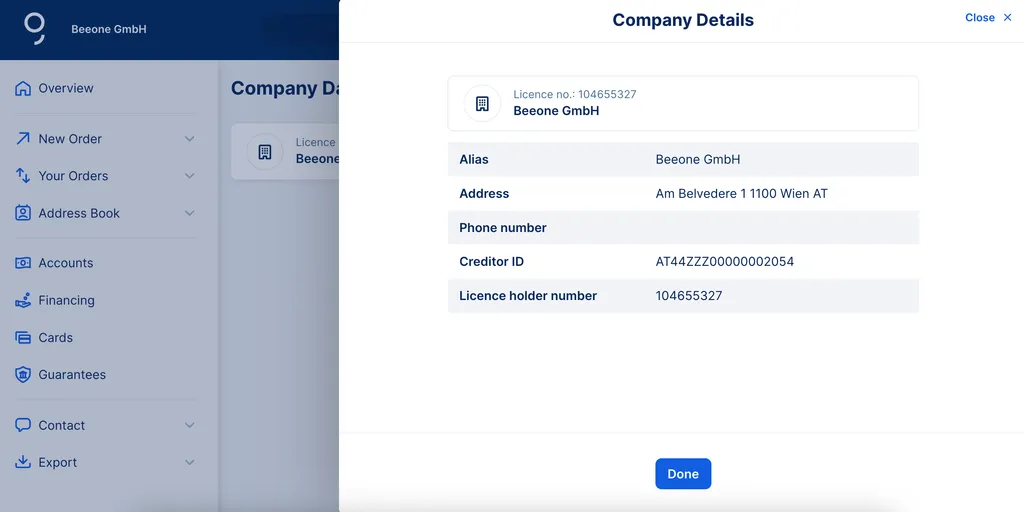
Company Data gives you an overview of the details on record at your bank. Depending on your organisation's structure, you may have more than one company listed. For example, sub-companies. You'll also find your George Business license here.
Last Article Update 09.07.2026
Company Data gives you an overview of the details on record at your bank. Depending on your organisation's structure, you may have more than one company listed. For example, sub-companies. You'll also find your George Business license here.
To get to Company Data:
Your company data is provided during onboarding. Details can only be changed by your personal advisor.
Author: Tamara Berger-Feichter