Every financial product with incoming and/or outgoing transactions, i.e. current and savings accounts, credit cards, loans and other financial products, has a transaction history. This includes all completed transactions for the account.

Last Article Update 12.10.2026
Every financial product with incoming and/or outgoing transactions, i.e. current and savings accounts, credit cards, loans and other financial products, has a transaction history. This includes all completed transactions for the account.
By default, each account or transaction history includes transactions of the current year plus the last 7 years.
Once you open an account/credit card/product, for instance from an overview widget, George Business will by default show the account history. Only for loans, he will by default go to a financing overview first.
As long as you browse through your account/credit card/product, you will always find the account or transaction history in the left side menu.
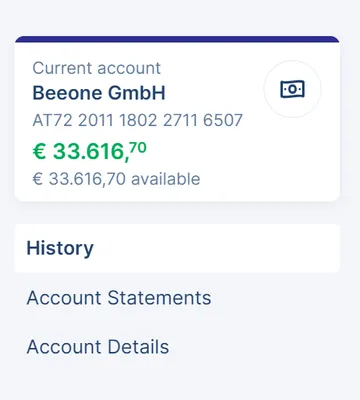
George presents transactions in chronological order, beginning with the most recent transaction.
If you want to narrow down what is displayed, you can use the search option or apply the following filters:
Apart from execution date, amount and essential info (in most cases recipient or sender), George Business displays some additional transaction info, statement or invoice number as well as value date.
In order to access the transaction details, just click on the respective transaction.
Last but not least, you can print or export your account history from here by clicking on the respective symbols on top of the account history.