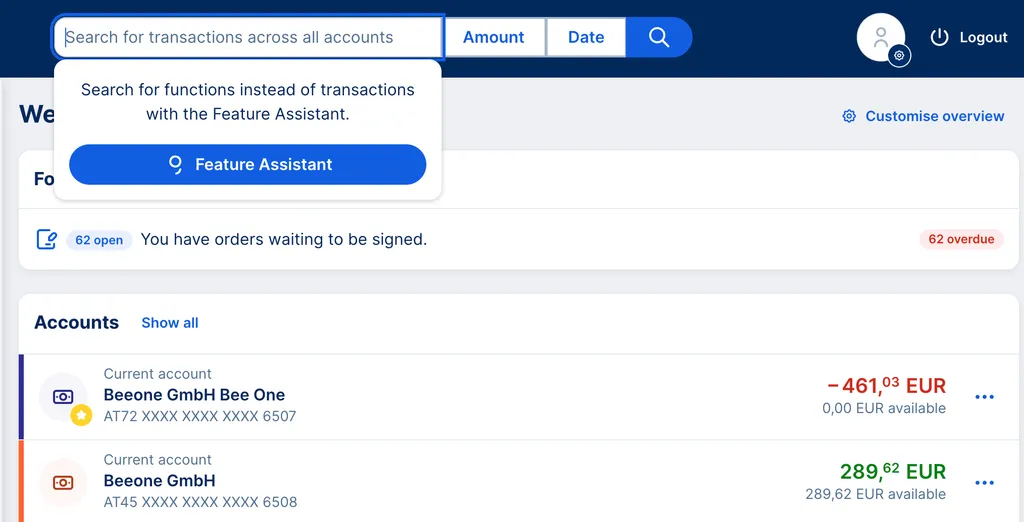
Whether you are using the transaction search across all accounts and products or the search within a specific account, here are some helpful tipps for better findings.
Last Article Update 08.06.2026
Whether you are using the transaction search across all accounts and products or the search within a specific account, here are some helpful tipps for better findings.
Your search criteria can be everything, from very specific to very broad. There are various operators that help you to get the search results you want. George Business will find transactions which match:
To find dates and amounts, you can also use the available quick search filters.
George Business finds transaction partners for you via their names, the booking info, the IBAN or account number.
If you do not want to use the date filter, you can also find transaction dates via the sear bar. You can go exact dates, a time frame, a year, month or even more. George understands you, no matter which of the common formats you use:
The George Business search comes with an easy amount filter. However, you can also use the normal search bar.
George finds transactions that match exact amounts, but also absolute, approximate, positive, and negative amounts. You can also search for amounts smaller or bigger than a certain number:
If you want to find transactions according to their text, payment reference, sender reference or any other transaction detail, please use the text search: