Your Cards Overview

Last Article Update 22.04.2026

You may manage several credit and debit cards - either because you own them, or have access as an admin. Whatever the case, it should be easy to check on your card status, balance or view payment details. This is where the George Business card overview comes handy with an at-a-glance view.

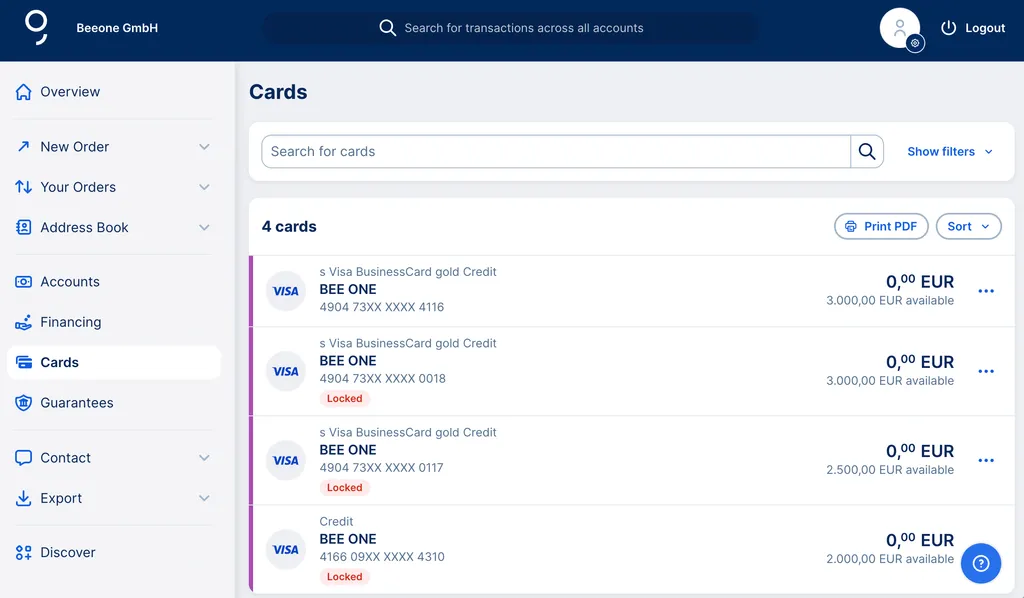
 

The format is the same as for the "Cards" section in your overview. So, if you often need information on and about the cards, you can fix the "Cards" area on your overview page under "Customise overview".

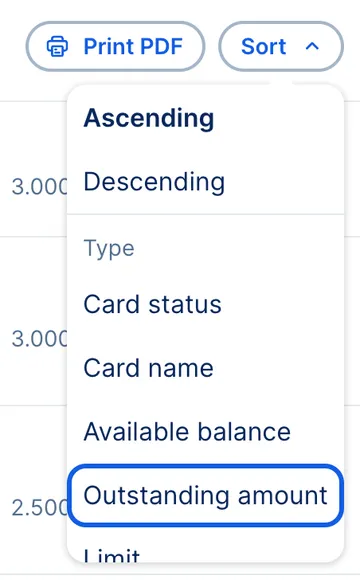
In the cards overview, you'll find card name, card number, available and outstanding amount(s), invoices and card details. You can also sort your cards and filter within the cards. 


Sorting cards Sorting cards