It's time for a change. Goodbye s Identity, hello George ID. You can now approve logins and transactions directly in the George Business app. You no longer need a second app for authorisations. Here's a short guide to make the switch as smooth as possible.
George ID is the new authorisation method for George Business. Click here for more information about George ID.
Why is George ID replacing s Identity?
With George ID you no longer need a separate app for approvals. Your money stays safe and approvals get easier.
On your phone
Follow this guide if you're already using the George Business app on your mobile device.
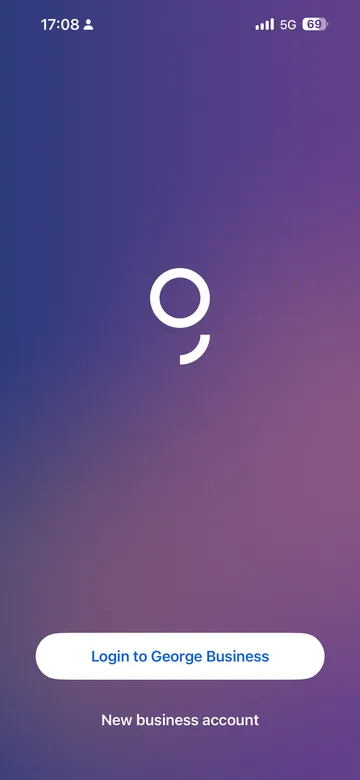
George will let you know when it's time to switch from s Identity to George ID. When you log in, you will see the following message.
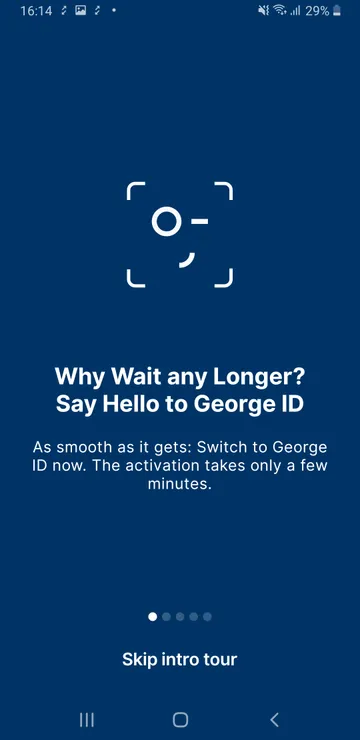
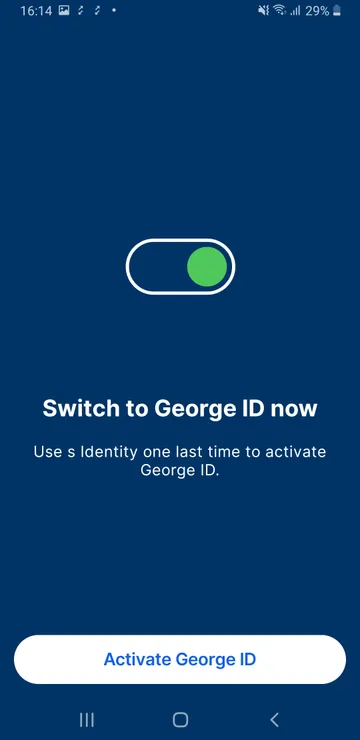
Read the information screens about George ID. Then, tap "Activate George ID" to start the switch.
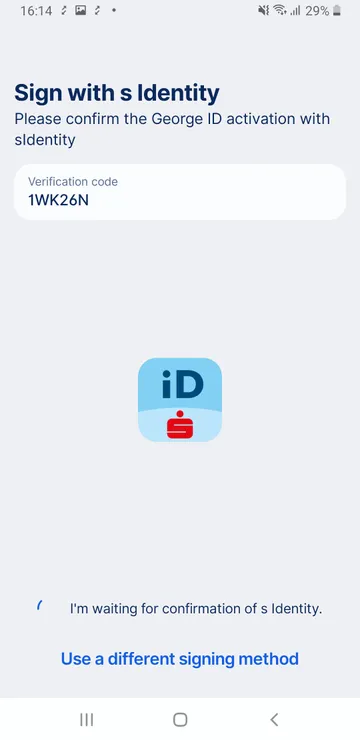
Use s Identity one last time to approve the switch.
George will guide you through the setup of George ID. He will let you know once everything is done and you can safely deinstall s Identity.
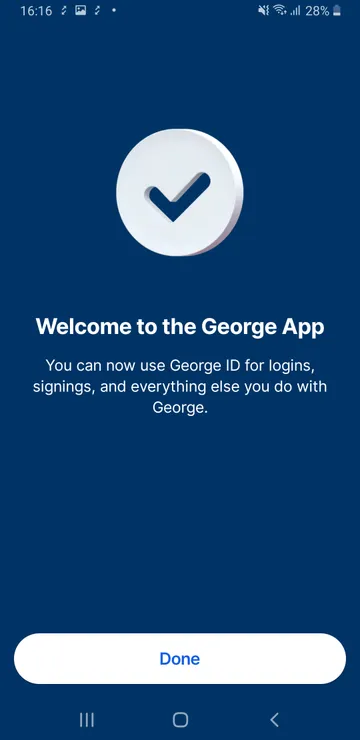
The switch won't take long. When you see this screen, you're done.
And with that, welcome to George ID.
On your computer
Follow this guide if you're not using the George Business mobile app yet.
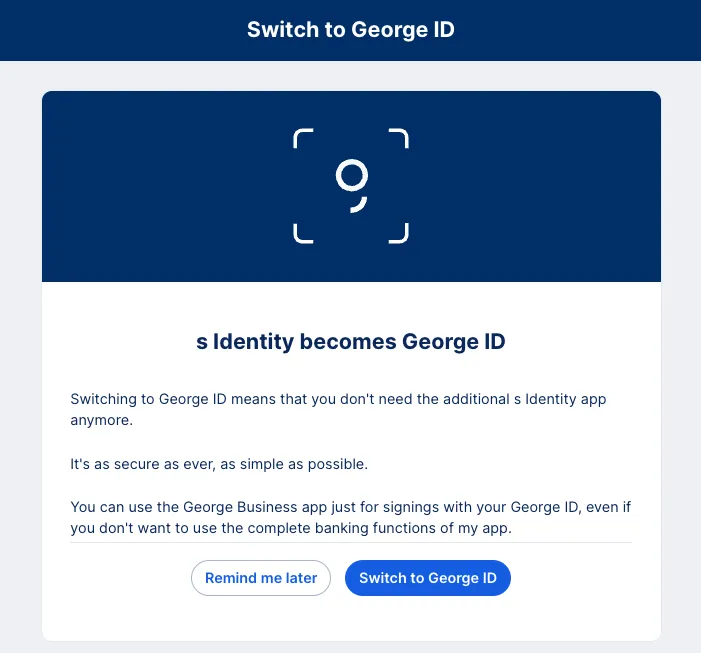
George Business will let you know when it's time to switch from s Identity to George ID. When you log in, you will see the following message. Click on "Switch to George ID" to get started.
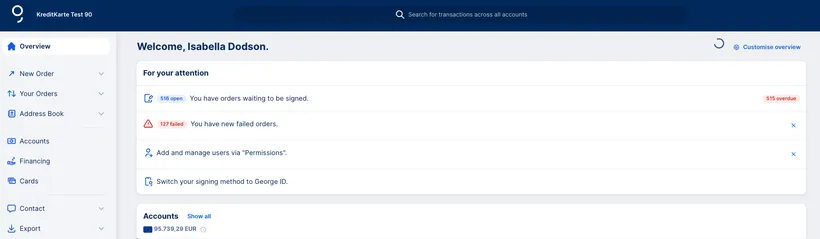
As s Identity is leaving within the year, it's a good idea to make the switch as soon as possible. However, if it's not the right moment, you can ask George to remind you later. You can also choose the right moment yourself. In your Overview under "For your attention", click on "Switch your signing method to George ID" once you're ready.
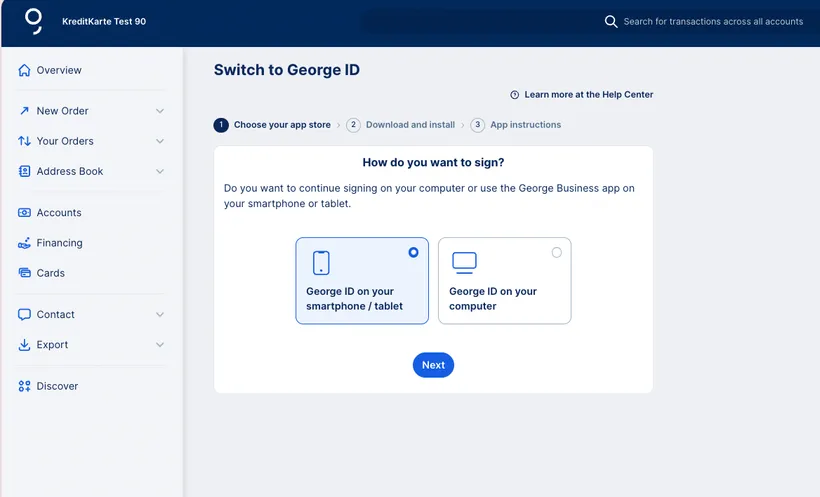
Step 1
George will ask if you want to use George ID on your mobile device or on your computer.
George Business mobile app: An app on your phone with many of the same functionalities as the George Business web browser. You can use it to make transfers and check balances. It also lets you approve logins and transactions.
George ID for the computer: The desktop app for approving logins and transactions.
This is not a final choice. You can activate George ID on up to five devices. After the first activation, you can add more devices using an activation code. With the mobile app, you can even create your own activation codes for additional mobile devices.
Step 2
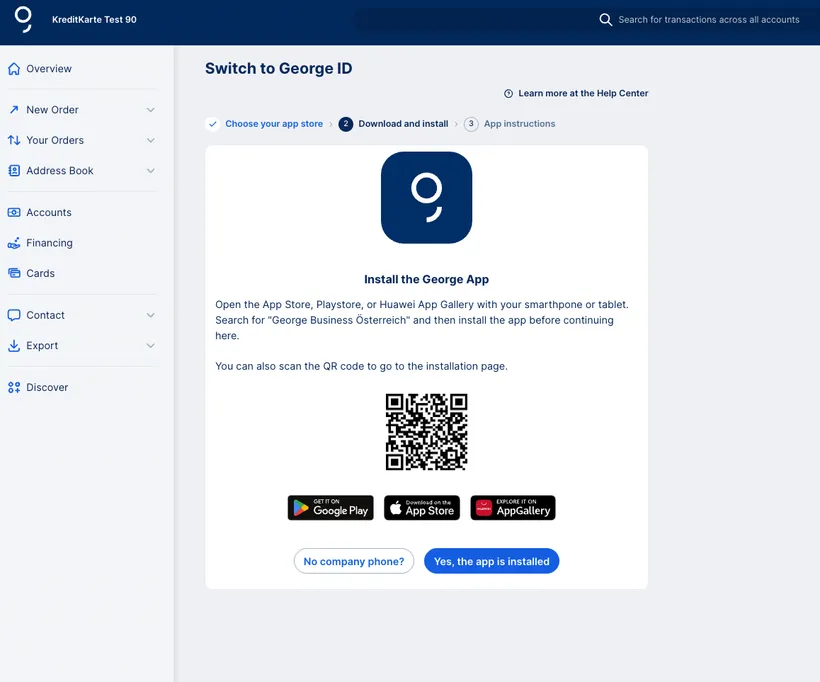
Download the George Business mobile app. Or, if you want to continue with George ID on your computer, download the desktop app.
If you downloaded the desktop app, skip step 3A (mobile app) and go directly to step 3B (desktop app).
Step 3A (mobile app)
Follow these steps if you want to activate George ID in the George Business mobile app.
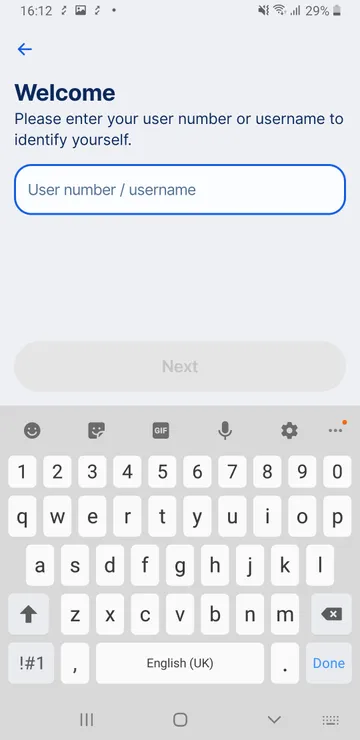
Open the George Business mobile app. Enter your user ID (Verfüger-/Benutzernummer). Approve the login with your s Identity app.
Once you are logged in, you will see the following screen.
Read the information about George ID. Then, tap "Activate George ID" to start the switch.
Use s Identity one last time to approve the switch.
George will guide you through the setup of George ID. He will let you know once everything is done and you can safely deinstall s Identity.
The switch won't take long. When you see this screen, you're done.
And with that, welcome to George ID.
Step 3B (desktop app alternative)
Follow these steps if you want to activate the George ID app on your computer.
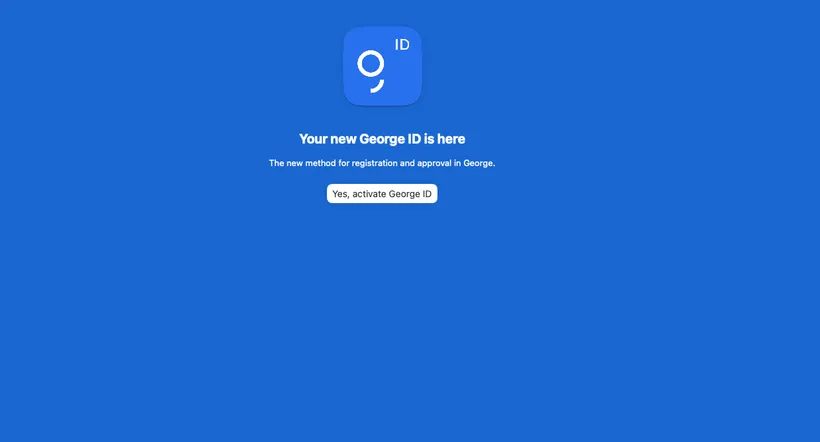
Open George ID for the computer. Click on "Activate George ID".
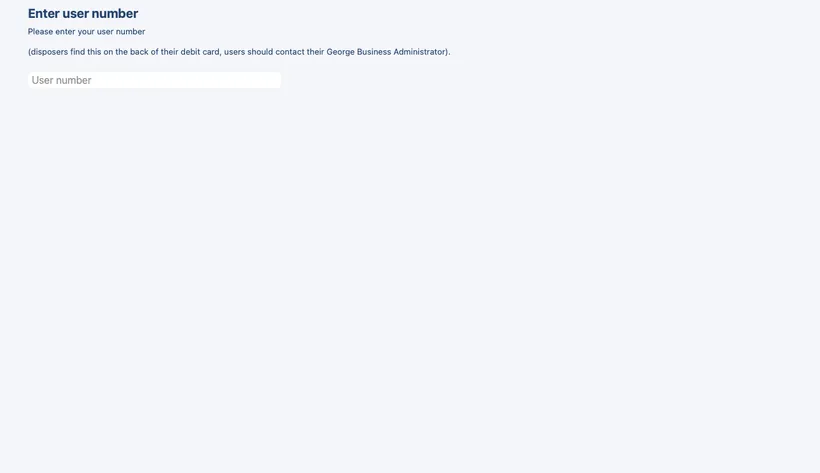
Enter your user number. Then use your s Identity app one last time to approve the switch.
The activation won't take long. George will guide you through the setup of George ID. He will let you know once everything is done and you can safely deinstall s Identity.
And with that, welcome to George ID.
If you have one user number for both George Retail and George Business
Dual disposers have a single user number for both George Retail and George Business. Once you activate George ID in George Business, you cannot use s Identity to log in to George Retail anymore.
To make the switch: First, follow the instructions above to activate George ID for George Business. Then, get an activation code for George Retail by following these instructions.