Your Account Overview

Last Article Update 21.08.2025

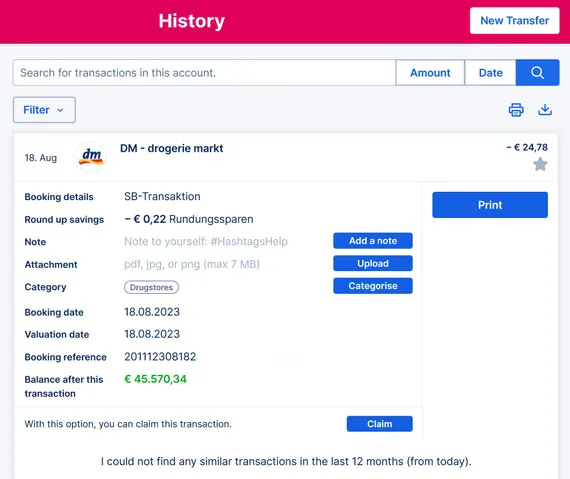
With your account overview, you see all your account activities at a glance. Whether web or app, view your incoming and outgoing payments or cash withdrawals, listed according to most recent. Want to know something in more detail? That's easy. Just click on the transaction and George tells you the full story.
 

Account Overview Account Overview

Your overview and much more

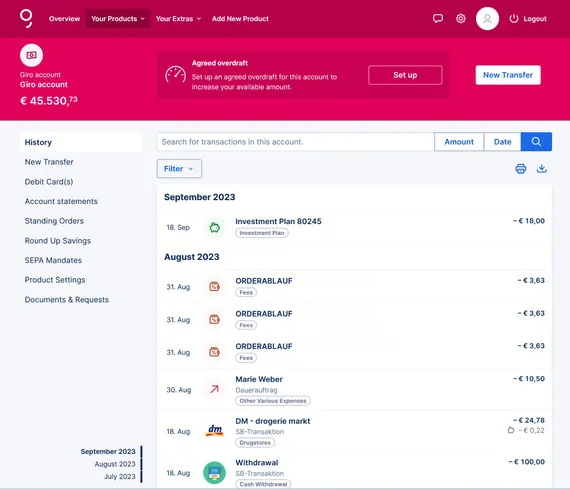
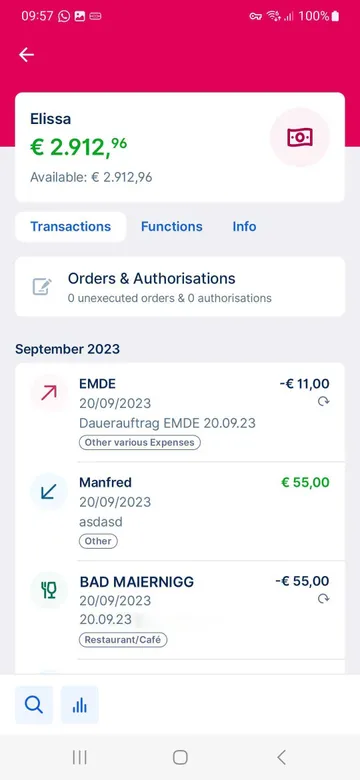
If you select your desired current account in the menu under your products, George shows you the most recent account transactions on the overview page. In addition, you can also see upcoming payments, such as standing orders or scheduled transfers. You can also use the search function if you want to find a special transaction.

7 Years Archive Plugin

Plugins Plugins


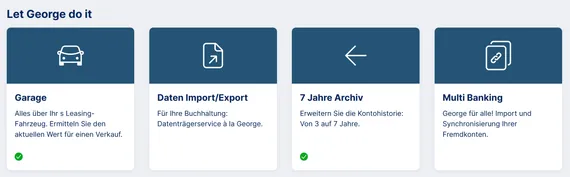
It's best to activate the 7 Years Archive plug-in right away. That way, you can find things from longer ago. Normally, the displayed and searchable history of your accounts, cards & co. goes back 3 years. By activating the plug-in, George finds all the transaction of your current and savings accounts, securities vouchers and credit card transactions from the last 7 years (plus the current calendar year) for you.


To do this, go to "Discover" in the main menu of George Web and find the 7 Years Archive under the category of "Let George do it".

Author: Tamara Berger-Feichter