Manage Your Overdraft

Last Article Update 28.08.2026

Some surprises can be costly. For example, a broken washing machine. Such unexpected expenses can throw your budget planning into chaos. To get through turbulent times, you may be able to get an overdraft for your current account that serves as a financial reserve.

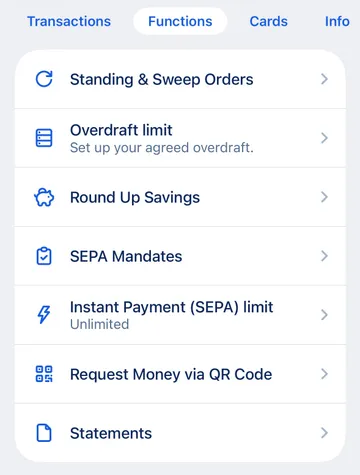
 

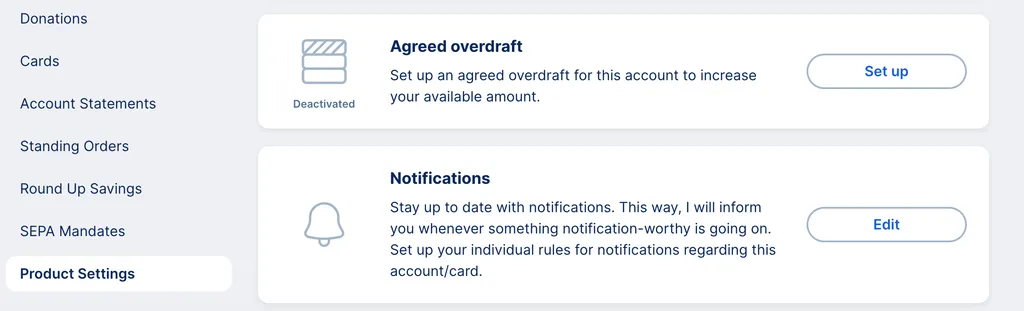
This article describes, step by step, how you can set up and make changes to your overdraft with George. But first, some important information.

Good to know

  • You cannot enter an amount below your balance. So if you have a minus of 500 €, you cannot set the overdraft to 400 €.
  • Always enter the amount in steps of 100, for example 800 or 1500.
  • To delete an existing agreed overdraft, enter 0.00 € in the amount field.
  • The general conditions (debit interest rate and annual percentage rate) that apply to you when you overdraw your account are displayed directly to you during the process. 

How to manage your overdraft with George

To be ready for what life has in store, you can set up or edit your overdraft limit. Here's how to do that in the George app or in your web browser.