George is your financial friend and helper. He is there to make managing your money easier. And can keep you up to date with notifications.

Last Article Update 04.03.2026
George is your financial friend and helper. He is there to make managing your money easier. And can keep you up to date with notifications.
It can be easy to lose track of things. For example, that your energy bill payment will be drawn from your account today. That's where notifications come in, to help you stay in control. In this article, we'll show you how to manage them.
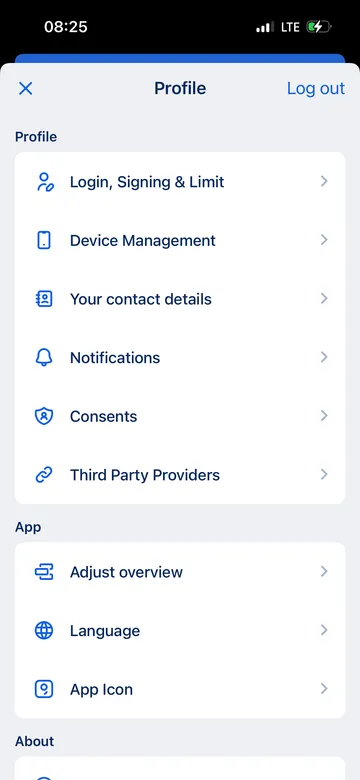
You'll now see a list of different types of notifications.

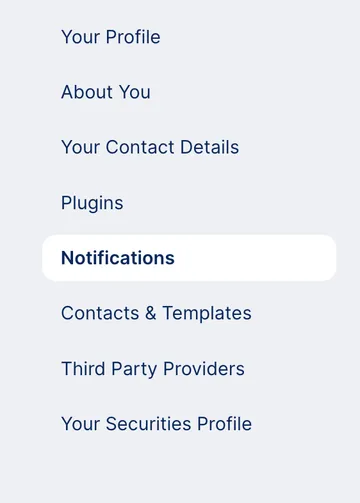
You'll now see a list of different types of notifications.
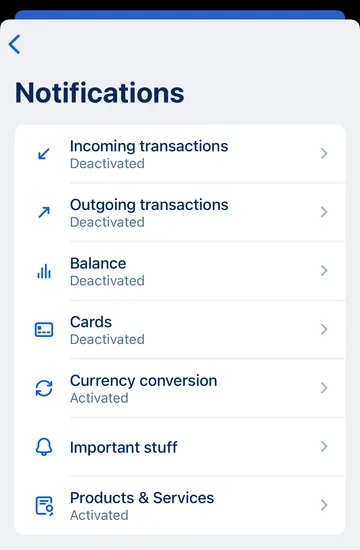
You can toggle push notifications on and off for each type. In some cases, there are also topic-specific settings.
Incoming transactions: You can limit notifications to specific accounts and cards, as well as set a threshold (e.g. 100 €). George only notifies you about transactions above this value.
Outgoing transactions: As with "Incoming transactions", you can choose cards and accounts and set a threshold. You get a notification as soon as the transaction is booked.
Balance: You get daily updates from George about the accounts you choose.
Cards: You can choose one or more cards. George notifies you after every approved payment.
Currency conversion: George lets you know about conversion rates when you make a card payment.
Important Stuff: This can include failed payments or a locked card. As the name says, these are important, so you cannot turn notifications off.
Products & Services: George tells you about offers that you might find interesting.
Other notifications: Depending on which products and plug-ins you have (e.g. Moneyback), you may see more settings.
When you're done, tap "Save" top right. You can change your settings again any time.
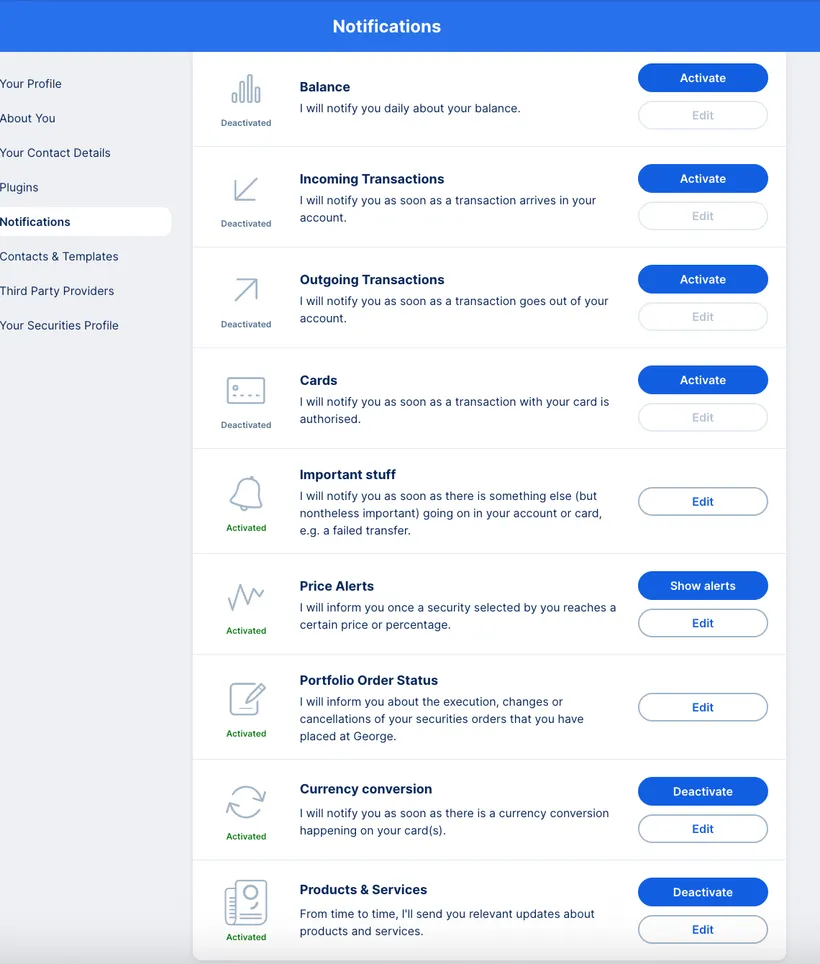
You'll see buttons for each topic which let you personalise your notifications. In short, you can:
Balance: You get daily updates from George about the accounts you choose.
Incoming Transactions: You can limit notifications to specific accounts and cards, as well as set a threshold (e.g. 100 €). George only notifies you about transactions above this value.
Outgoing Transactions: As with "Incoming transactions", you can choose cards and accounts and set a threshold. You get a notification as soon as the transaction is booked.
Cards: You can choose one or more cards. George notifies you after every approved payment.
Important stuff: This can include failed payments or a locked card. As the name says, these are important, so you cannot turn notifications off.
Price Alerts: These notifications are practical if you want to buy or sell securities at a specific price. Click on "Show alerts" to see your price alerts. Here, you an also set up new alerts for securities.
Portfolio Order Status: George informs you about your securities orders (if you have any). You can activate alerts for email and/or George Web.
Currency conversion: George lets you know about conversion rates when you make a card payment.
Products & Services: George tells you about offers that you might find interesting.
Other notifications: Depending on which products and plug-ins you have (e.g. Moneyback), you may see more settings.
Author: Stephanie Schüller