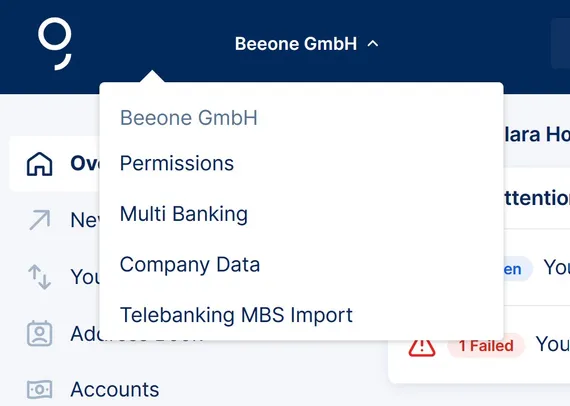
If you are an administrator, you can find your company's settings in the company menu by clicking on the company name at the top left of the overview. With George Business you can easily integrate accounts from other banks. This way you receive all data from these accounts, just like from your Erste Bank and Sparkasse accounts. The only requirement is that the other bank provides the information via the MBS interface.
(Archive) MBS Standard
Last Article Update 07.09.2026
MBS is no longer supported
Please note: The integration of an account from another bank takes place in several steps. Since the degree of automation as well as the steps can vary from bank to bank, there are different procedures.
To establish communication between the banks, a person authorised to communicate must be created. This is abbreviated as KBR and represents the MBS access data of the respective bank. The KBR is created in the same way at all banks.
The first step: Manual KBR installation
Please inform the other bank that you use George Business, the electronic banking programme of Erste Bank and Sparkasse, and would like to integrate your accounts here. The bank will then send you an agreement and the access data. These banks enable George to access the other bank's banking computer and import your data.
Once you have received your data (the KBR number, the KBR name and the KBR password), you can start establishing the bank server connection.
And here's how it goes on
Click on your company name in the header on the left side of the George Business overview. You'll find the relevant menu item.
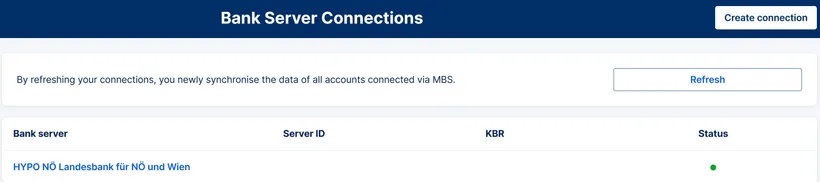
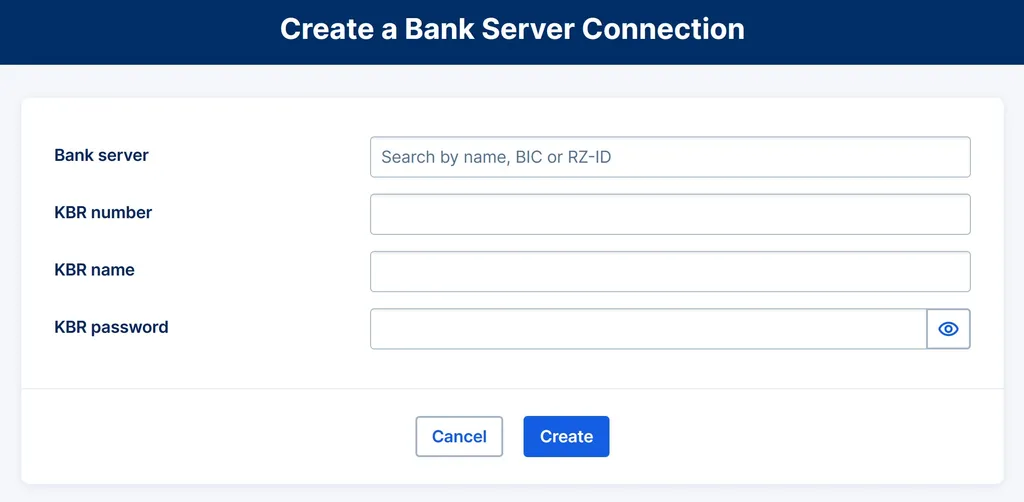
Start by clicking on "Create connection".
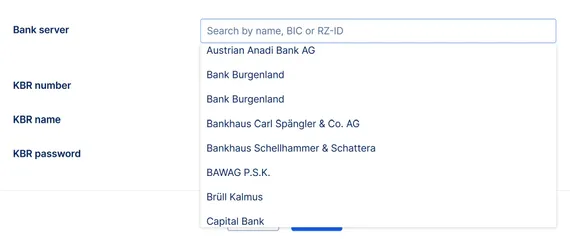
Select your other bank by entering the bank name or BIC. Or simply search for the name in the list. Here you will find the bank names in alphabetical order.
In the next step, enter the number of the person authorised to communicate (KBR number), the name (KBR name) and the password (KBR password). Click on "Create" to save the access data. George will inform you of this with a confirmation message.
The bank computer is subsequently contacted by George Business and all the information available to you on accounts and persons authorised to sign is retrieved. This service is available at all banks except Bank Austria.
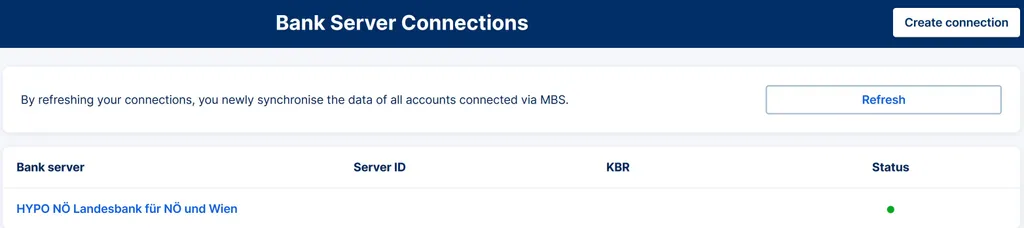
Please note: In some cases, the signatory data from the MBS bank will not be delivered automatically until the next day after the set-up. If you want to speed up the process, you can click on "Refresh" in the "Bank Server Connections".
As soon as the authorisation data is available in the authorisation management, please enter the corresponding PIN and the signing method.
To do this, click on your company name at the top left of the overview page, select " Permissions" and then "MBS Disposers".
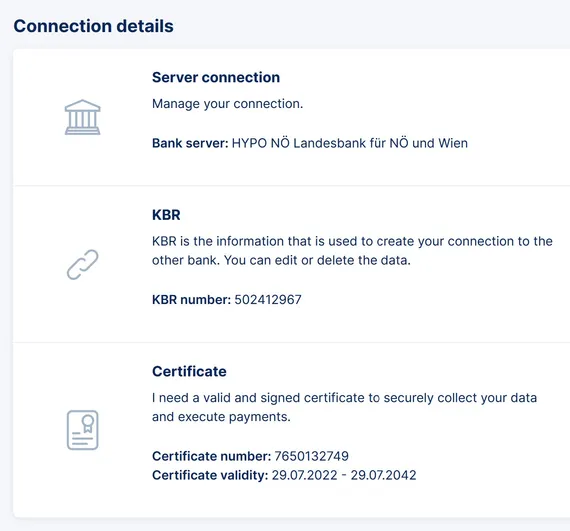
Then please switch back to the MB area. In the list, you can click on the name of the added bank computer to click on the button "Sign" in the menu item "Certificate". The following signing process is the same as for an order approval.
Special features depending on the bank
Only in the case of Raiffeisen and Volksbank accounts, the disposer and account creation information is automatically retrieved from George Business after successful KBR creation. This means that the list of authorised parties and the account data are retrieved automatically.
Attention: No new MBS connections can be created for Bawag and Bank Austria. This is due to the planned discontinuation of the MBS standard in October 2025. If you would like to link accounts from Bawag and Bank Austria using Multi Banking with George Business, please use the new EBICS standard.
More information here.
Important for admins
User permissions are controlled for MBS accounts in the same way as for your Erste Bank and Sparkasse accounts. As an administrator, you can assign the permissions to the already existing user groups.
Querying export data
George Business stores the data received from the account-holding bank for 3 months in the Export Center. Therefore, please make sure to load and save account information for further processing soon after provision.
Activating and deactivating bank server
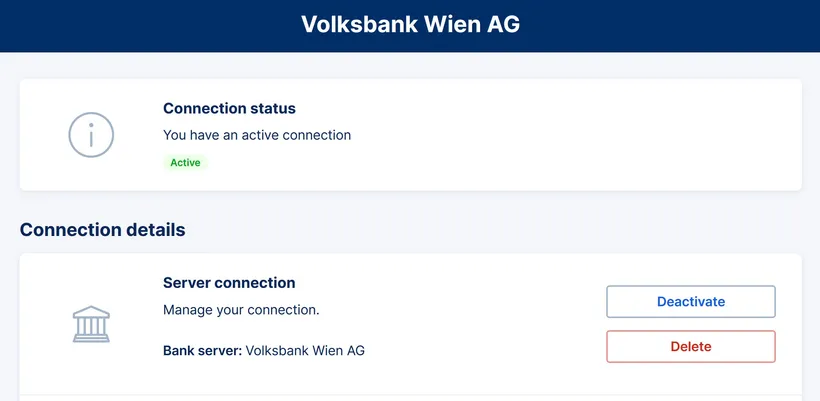
If you no longer wish to retrieve the turnover data of your account at the other bank or no longer wish to execute orders, you can deactivate this bank in the list of bank server connections. If you want to resume communication with the bank, this is possible without any problems. Provided the access data to the bank is not changed or deleted.